

Key takeaways
- A cleaning CRM is a system that tracks leads, clients, jobs, and communication in one place to ensure nothing falls through the cracks.
- It goes beyond a contact list or calendar by managing the full workflow from inquiry to service delivery and repeat business.
- Cleaning businesses need a CRM mainly to prevent dropped leads, missed details, slow follow-ups, and disconnected scheduling.
- The biggest benefit comes from connecting quoting, scheduling, invoicing, and follow-up into one streamlined process that saves time and protects revenue.
- Starting simple with lead tracking, standardized data, and a few automations is the most effective way to implement a CRM successfully.
If your leads live in one inbox, your customer notes are in text messages, and your schedule sits in a separate calendar, it gets hard to keep up. A purpose-built cleaning CRM from The Cleaning Software helps cleaning companies keep every lead, client, and job connected in one workflow. That matters because growth problems in a cleaning business usually do not start with demand. They start when follow-up breaks down, details get missed, and owners spend too much time chasing information instead of closing work and serving clients.
A cleaning company CRM is not just a contact list. It is the system that helps you follow through from first inquiry to quote, booking, service notes, invoice, and repeat business. For owners who are juggling calls, estimates, cleaners, and payments, that follow-through is what protects revenue.
What is a cleaning company CRM?
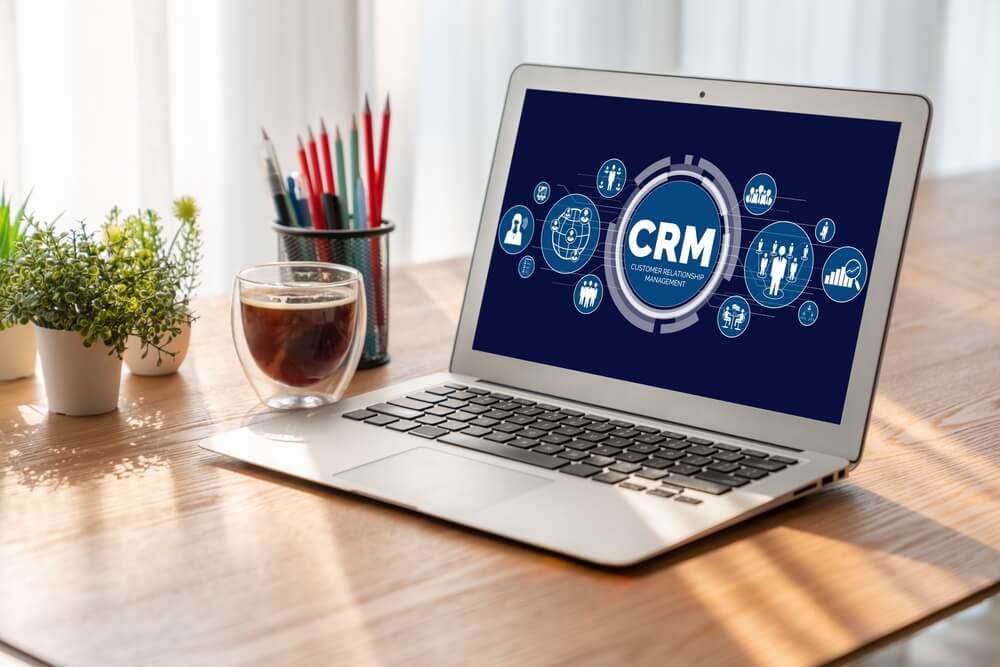
A cleaning company CRM is customer relationship management software built to help cleaning businesses track prospects, clients, communication, job details, and next steps in one place.
At the most basic level, a CRM helps cleaning business owners answer a few critical questions quickly:
- Who contacted you
- What service they asked for
- Whether they received a quote
- Whether they booked
- What was promised
- What needs to happen next
For a cleaning business, that matters because the sale does not end when someone says, “Can you give me a price?” It moves through a series of steps: inquiry, follow-up, walkthrough or estimate, quote approval, scheduling, service delivery, invoicing, and ongoing retention.
A cleaning-specific CRM keeps that chain intact. Instead of forcing you to patch together forms, spreadsheets, calendars, and payment tools, it gives you one operating system for customer follow-through. That is why many owners move from scattered tools to a platform designed around cleaning workflows.
What a cleaning CRM is not
It helps to define a CRM by what it does not do on its own. Many cleaning business owners already use tools for contacts, calendars, or invoices, but those tools usually cover only one piece of the process. A CRM brings those pieces together so customer information does not get lost between inquiry, booking, service, and follow-up.
1. Not just a contact list
A CRM is not just a place to store names, phone numbers, and email addresses. It should also hold the details that help your team respond properly, such as service requests, property notes, communication history, and the current status of each lead or client.
2. Not just a calendar
A calendar shows when a job is booked. It does not explain how the job was sold, what the customer was promised, or what still needs attention. A good CRM designed for a cleaning business keeps that context attached to the appointment, so your team has the full picture.
3. Not just an invoicing tool
Invoices matter, but they come late in the process. By the time you send one, the lead has already been contacted, quoted, booked, and served. A CRM helps manage those earlier steps so opportunities do not slip through the cracks.
4. Not a generic system forced to fit
It is also not a generic tool with a few cleaning labels added on top. Cleaning companies have very specific operational needs, including recurring service plans, access instructions, team notes, reschedules, quote approvals, and property-specific details. That is often when owners realize it is worth understanding the difference between a CRM built for cleaning businesses and a general-use option.
The five biggest problems a CRM fixes for cleaning businesses
Most cleaning businesses do not lose revenue because owners do not care. They lose revenue because information is scattered and the process is manual.
1. Dropped leads
A lead comes in by phone, website form, Facebook, or text. You mean to respond, but the day gets busy. By the time you remember, the prospect has already booked someone else.
A CRM fixes that by capturing the lead, assigning a status, and prompting the next action. That could be a same-day callback, a quote request, or an automated follow-up.
2. Missed details that create bad service
Clients often have special requests: pet instructions, gate codes, preferred arrival windows, alarm procedures, or room-specific notes. When those details are buried in texts or remembered by one employee, mistakes happen.
A reliable CRM for a cleaning business gives your team one place to find the information before the job starts.
3. Slow quoting and inconsistent follow-up
If every quote is built from scratch and every follow-up depends on memory, sales become inconsistent. Speed matters. When leads request service from multiple companies, the business that responds clearly and quickly often wins.
4. Scheduling disconnected from the sale
Many owners quote a job in one tool, book it in another, and collect payment somewhere else. That creates gaps. The office has to re-enter details, increasing the odds of errors and double work.
5. Revenue leakage after the first job
One-time jobs can become repeat business, but only if you track them. A CRM helps you remember who has not booked again, who asked about recurring service, and who should get a check-in after a deep clean or move-out service.
If those problems sound familiar, you are probably already seeing the signs that your business needs a cleaning CRM software.
What a cleaning CRM should track for leads, clients, and jobs

A strong cleaning company CRM should track more than names and invoices. It should organize the full context around each relationship.
For leads
Your CRM should track:
- Name and contact information
- Source of the lead
- Type of service requested
- Property type and size
- Requested frequency
- Budget or quote range
- Follow-up status
- Estimate date
- Outcome of the opportunity
This helps you see where leads come from, how quickly they are being contacted, and where deals are getting stuck.
For clients
Once a lead becomes a client, the record should expand to include:
- Service address
- Billing information
- Preferred communication method
- Recurring frequency
- Access instructions
- Service preferences
- Notes about pets, supplies, or restricted areas
- Signed approvals or agreements
- Invoice and payment history
The IRS emphasizes the importance of keeping organized business records, and digital systems make that easier to do consistently as your client list grows.
For jobs
Each job record should connect operational detail with customer history, including:
- Job type
- Assigned team member or crew
- Date and time
- Scope of work
- Checklists or service notes
- Photos if needed
- Reschedule history
- Completion status
- Invoice status
- Follow-up reminder
This is where a CRM built for your cleaning business stands apart. Tools built for the industry such as The Cleaning Software, are designed to connect these records instead of making you manually move information between disconnected apps. That structure is what gives a cleaning CRM its practical value from one job to the next.
How a CRM connects quoting, scheduling, and payments

One of the biggest advantages of a cleaning company CRM is that it turns separate admin tasks into one connected workflow.
Without a CRM, the process often looks like this:
- A lead comes in by text or email
- You write down details somewhere
- You create a quote manually
- The customer approves
- You copy the job into the schedule
- After the service, you send an invoice
- You manually chase payment or rebooking
That system works until the volume increases. Then small delays become real losses.
With the right cleaning company CRM, the flow is tighter:
- Lead enters the system
- The quote is created using saved service details
- Approved quote becomes a scheduled job
- Job details go to the team
- Completed job triggers invoicing
- Payment status is tracked
- Follow-up or recurring service is prompted automatically
That connected flow reduces re-entry, improves accuracy, and gives the owner a clearer picture of pipeline and cash flow.
It also supports cleaner internal controls. The U.S. Small Business Administration highlights the importance of organized financial management, including tracking costs, assets, and day-to-day business performance. Connected systems make that easier because customer, job, and payment data are tied together instead of spread across multiple tools.
Automations that save the most time in a cleaning business
Not every automation matters equally. The best ones remove repetitive work that owners and office staff deal with every day.
1. Lead response automation
When a new inquiry comes in, your cleaning company CRM can send an immediate confirmation and assign a follow-up task. That alone can reduce lead leakage.
2. Quote follow-up reminders
Many quotes do not need to be rewritten. They need to be followed up on. Automated reminders help you reach out at the right time instead of relying on memory.
3. Appointment confirmations and reminders
Customers forget. Schedules change. Automated confirmations and reminders reduce no-shows, missed arrivals, and last-minute confusion.
4. Recurring service prompts
For one-time customers, automation can prompt a rebooking message after the service window passes. That helps convert single jobs into recurring revenue.
5. Payment reminders
Owners spend too much time chasing unpaid invoices. Automated reminders keep the process moving without creating more office work.
6. Internal task handoffs
When a quote gets approved, the next step should not depend on someone noticing it in an inbox. A CRM can trigger scheduling, team notification, and billing prep automatically.
How to start with a simple CRM setup that works
You do not need a massive rollout to benefit from a CRM for cleaning business operations. In fact, simple is usually better at the beginning.
1. Start with one pipeline
Create a basic lead pipeline with stages such as:
- New lead
- Contacted
- Quoted
- Won
- Lost
- Follow-up later
That gives you immediate visibility into what needs action.
2. Standardize the data you collect
Choose a short list of fields every lead should have, such as service type, property size, frequency, budget, and source. Consistency matters more than collecting everything.
3. Build a repeatable quote process
Use templates, standard service packages, and saved notes so quotes are faster and easier to compare.
4. Connect scheduling and invoicing next
Once lead tracking is stable, connect it to job scheduling and billing. That is where owners start getting the biggest operational payoff.
4. Add only a few automations first
You can start with:
- New lead confirmation
- Quote follow-up reminder
- Appointment reminder
- Invoice reminder
You can always add more later.
5. Train your team on where information lives
A good cleaning company CRM only works if people trust it as the single source of truth. Make it clear where job notes, access details, and client instructions should be checked.
For most small cleaning businesses, setup does not need to take months. The goal is not to build a perfect system on day one. The goal is to stop dropped leads, stop duplicated admin work, and make the next steps obvious.
Table of Contents
- What Is a Cleaning Company CRM and Do You Need One?
- What is a cleaning company CRM?
- What a cleaning CRM is not
- The five biggest problems a CRM fixes for cleaning businesses
- What a cleaning CRM should track for leads, clients, and jobs
- How a CRM connects quoting, scheduling, and payments
- Automations that save the most time in a cleaning business
- How to start with a simple CRM setup that works


