


Key takeaways:
- GPS tracking resolves dispatch and dispute questions faster than phone calls.
- Clear use separates helpful verification from employee micromanagement.
- A written GPS policy sets expectations before tracking begins.
- Make notice and consent standard, since state requirements vary.
- GPS works best when connected to scheduling and dispatch.
When it comes to GPS tracking, a cleaning business doesn’t need one because an owner enjoys watching dots move on a map. There are actual benefits here, including fewer disputed invoices, faster dispatch decisions, and a straight answer when a client asks what time the crew actually showed up.
Good cleaning business software treats GPS as one more data point tied to the job, not a surveillance feature bolted on separately. What earns staff trust is the policy behind it, not the feature list. Let’s look at what GPS tracking actually does for a cleaning team, how to set it up, and just as important, how to introduce it to staff without it feeling like an accusation.
What GPS tracking actually does in a cleaning business context
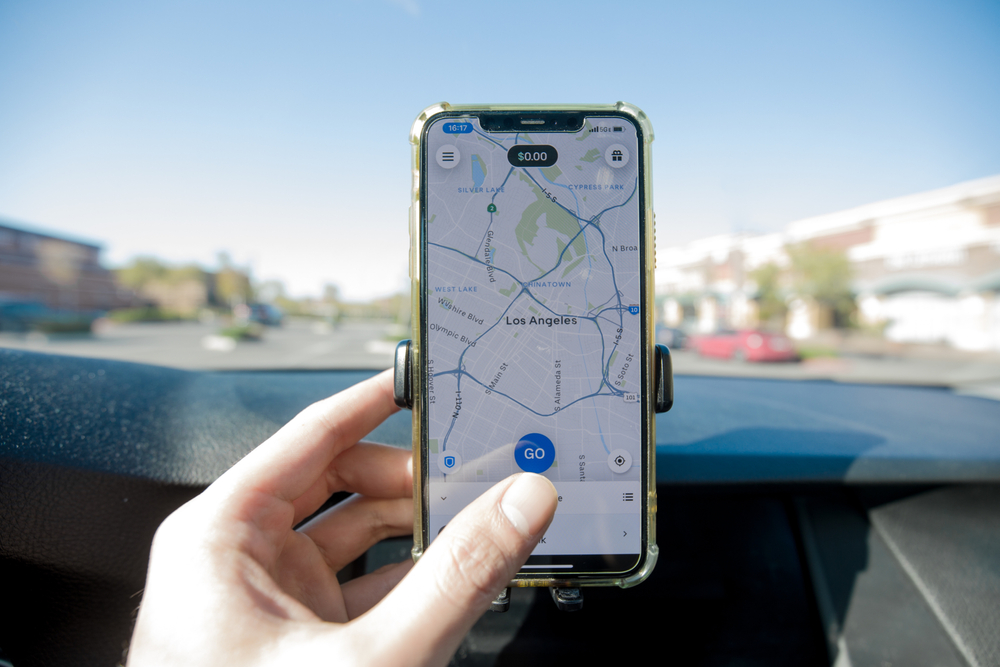
At its core, GPS tracking confirms where a crew is and when they were there, with that information tied directly to a specific job rather than a generic location ping. Beyond accountability, the same data can help reduce drive time between cleaning jobs, improve dispatch decisions, and reveal how efficiently routes are running.
Getting cleaning team GPS right is mostly a policy decision, not a technical one, since the location data itself is simple to capture.
In a cleaning business, that data typically covers:
- Arrival and departure timestamps: Tied automatically to the scheduled job, not a manual clock-in
- Real-time crew location: Useful for same-day dispatch decisions, not constant surveillance
- A timestamped record: Useful evidence if a client or employee disputes what actually happened
How GPS tracking improves dispatch accuracy and response time
When a cleaner calls in sick or a same-day booking comes in, a dispatcher’s first question is which crew is actually closest right now, not which one is scheduled to be free next. Live location answers that instantly instead of requiring a round of phone calls.
When GPS tracking is connected to route optimization, the system can compare crew location, current workload, upcoming jobs, and travel time to suggest the reassignment instead of a dispatcher guessing from memory. That turns a same-day scramble into a two-minute decision.
How to verify job arrivals and departures without micromanaging
Verification and micromanagement look similar from the outside, but they answer different questions. Verification confirms a job happened. Micromanagement second-guesses how it happened, and cleaners can usually tell the difference.
Automated verification
When a cleaner opens the assigned job, the system can record a timestamp through the cleaning team GPS, then capture another when the work is marked complete. Together, those timestamps create a reliable record of the visit and its approximate duration. The data can remain in the background until a payroll question, client concern, or scheduling issue calls for a closer look.
Where judgment still matters
Apartment buildings, gated communities, and shared parking lots all produce timestamps that look a little off even when nothing went wrong. Treat those as normal exceptions to review, not evidence to confront someone with, and the system keeps its credibility with staff.

How GPS data helps when a client disputes a job completion time
If a client believes a cleaner left earlier than expected, the conversation can quickly become difficult without a clear record to refer back to. GPS-linked arrival and departure timestamps make it easier to confirm when the crew reached the property and how long they remained on site.
Timekeeping is also an important part of recordkeeping for hourly employees. For cleaning businesses, accurate job and time data gives both employees and owners a dependable record that can support payroll, clarify client concerns, and reduce uncertainty when questions arise.
How to introduce GPS tracking to your cleaning staff
How a business owner introduces GPS usually matters more than the technology itself. Staff who hear about it from a client or a rumor before hearing it from you will assume the worst, reasonably.
- Explain the why first: Tie it to faster pay disputes and fewer accusatory client calls, not oversight for its own sake.
- Show them the policy in writing: Don’t summarize it verbally and leave the details vague.
- Answer the obvious question directly: What happens off the clock and on personal time, and give an honest answer.
- Give it context inside tools they already use: The Cleaning Software rolls GPS verification into the same app cleaners already use for their schedule, so it isn’t a separate system.

What to include in a GPS tracking policy for cleaning employees
A policy is what turns GPS tracking from something that happens to employees of a cleaning business into something they agreed to.
- What’s tracked: Location during work hours on company-provided devices or vehicles, specifically
- When tracking starts and stops: Tied to clocking into a job, not around the clock
- Who can see the data: Name the actual roles, not just “management”
- How long records are kept: A specific retention window, not indefinitely
- How to raise a concern: A named person and process, not just a suggestion box
Privacy considerations and legal basics for GPS tracking at work
Employee GPS tracking sits at the intersection of a few different legal questions, and the answers vary enough by state that a single national rule doesn’t really exist.
Several states now require written notice before an employer tracks a vehicle or device, and some extend that to consent as well, so the safest baseline is treating disclosure as standard practice rather than checking whether your state technically requires it.
None of this replaces legal advice specific to your state and workforce, but the general rule holds up well: track company vehicles and devices for business purposes, tell employees clearly that you’re doing it, and avoid tracking anything personal.
What to look for in GPS tracking software for cleaning businesses
The right question isn’t whether a platform offers GPS tracking. Almost all of them claim to. It’s whether that tracking connects to anything useful.
- Tied to the actual job: Not just a location pin with no schedule context
- Feeds into scheduling and dispatch: Including scheduling cleaning jobs by zone, so location data improves routing, not just record-keeping
- Simple for staff: One app for scheduling, navigation, and clock-in, not a separate tracking tool
- Clear reporting: Owners can pull arrival, departure, and drive-time data without exporting spreadsheets by hand
That combination is what separates real cleaning company tracking software from a GPS add-on bolted onto something else.

Table of Contents
What GPS tracking actually does in a cleaning business context
How GPS tracking improves dispatch accuracy and response time
How to verify job arrivals and departures without micromanaging
How GPS data helps when a client disputes a job completion time
How to introduce GPS tracking to your cleaning staff
What to include in a GPS tracking policy for cleaning employees
Privacy considerations and legal basics for GPS tracking at work
What to look for in GPS tracking software for cleaning businesses


